Welcome to the NCTE event calendar! Here, you can find a list of events, including webinars, workshops, and in-person conferences. These events provide opportunities for English language arts teachers to learn new strategies and techniques, network with colleagues, and stay up-to-date on the latest research and best practices in the field.
If you have an event that you would like to submit to be included on the NCTE event calendar, please fill out the event submission form. To be considered, events must align with the mission of NCTE and be of professional interest to English language arts teachers. We hope to see you at one of our upcoming events!
If you’re hosting an event you’d like to share, submit your event here.

- This event has passed.
81st Branch Library Black Culture Family Read-In
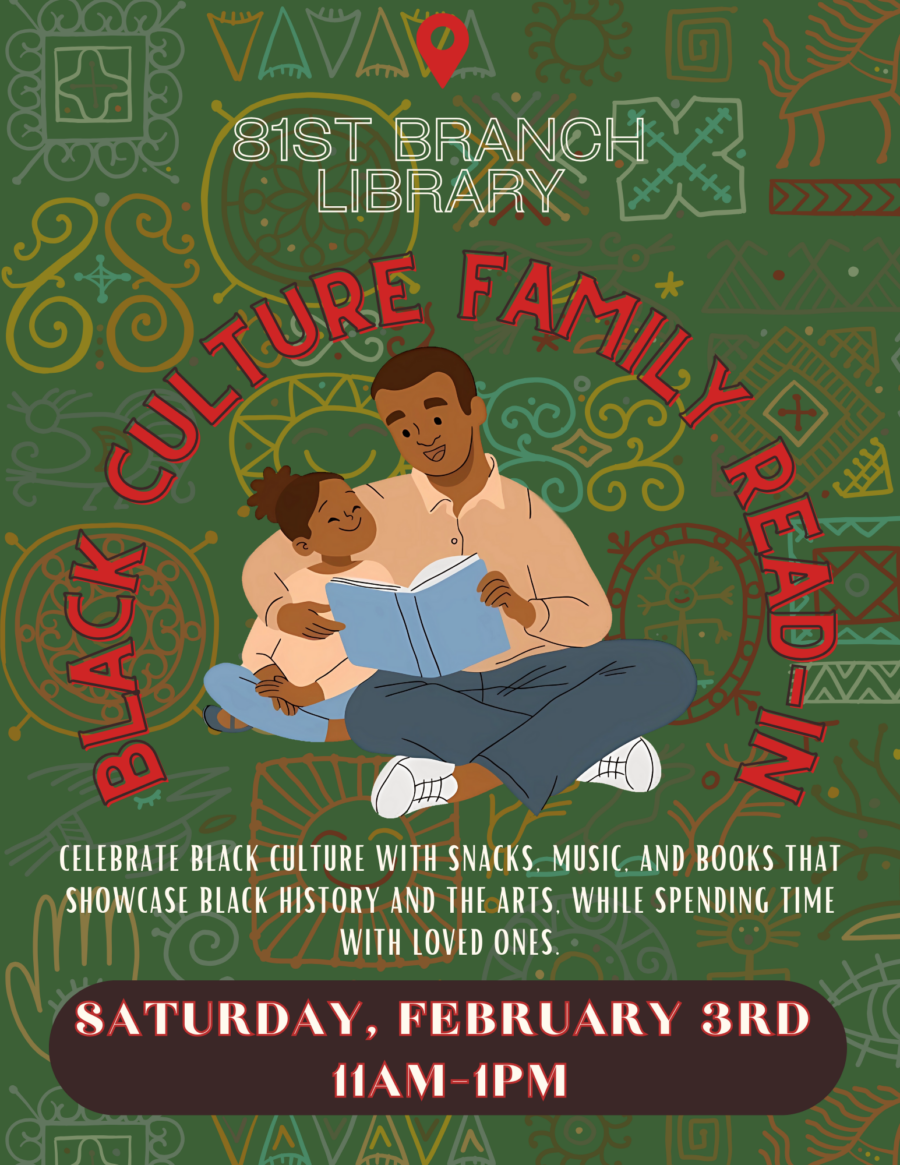
Join us for a family-friendly storytime and read-in!
Relax with snacks, music and plenty of books that embrace Black culture, history and the arts. Learn about and celebrate Black culture with your loved ones.
We will gift families with books to keep the learning going at home!